Rep counter in your AirPods beta
You do the work. The earbud counts.
The classic hundred pushups table: six weeks, three times a week, the plan built off your own test. Motion sensors in your headphones count the reps and a voice says the number in your ear. The phone stays out of it.
The app is in testing right now, something may not work. If the count lies, send me the csv with details
sensor recording
recording: sit-ups, 125 seconds, 65 reps
The thresholds come from a dataset of real workouts. Gates on head pose and rotation throw out walking, nodding and getting down into position: that is where phantom reps used to come from.
A goal you can actually reach beats a vague one by a mile.
Scroll down, the water comes up
What this is for
recording: sit-ups, 125 seconds, 65 reps
This is a real recording from the sensor in the ear: sit-ups, two minutes, sixty five reps. You see a slice from the middle. The line is head angle, a tick is a counted rep.
The thresholds come from a dataset of real workouts. Gates on head pose and rotation throw out walking, nodding and getting down into position: that is where phantom reps used to come from. How the counting works, in detail
How it goes
Where to start
Four steps from install to a live streak. After that it leads on its own.
-
level 01
Max test
Do as many as you can in one go. Every exercise gets its own.
-
level 02
Your program
Six weeks of sets built off that number. Retests after weeks two and four rebuild it.
-
level 03
The earbud counts
Sensors in the headphones count the reps, the voice says the number. A set ends on a tap, on a "stop", or on you holding still.
-
level 04
Do not break the streak
Any one exercise closes the day: streak alive, cat fed. A test counts too.
mascot
Yes, it is my cat.
The cat is real, a Cornish Rex, straight off my own photos. In the app he lives in pixels. Trained today and the bowl is full. Skipped, and by evening he sits by an empty one. There is also a home screen widget.
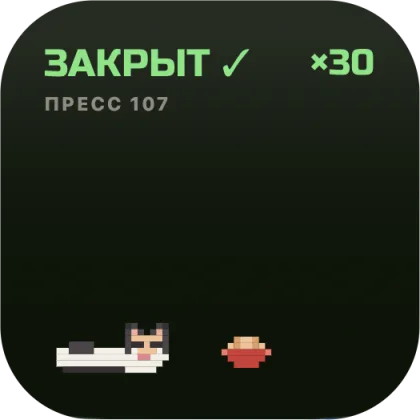 widget: day closed
 widget: day open
The same cat in the app: loafing, one eye open, a fish next to him.
During rest he floats across the water on a plank
What it looks like
Full screen of liquid, its own colour for every exercise. Every rep raises the level, and the target number is big enough to read from the floor. During rest the level drops and a plank with the cat floats past.
- Pushups
- Abs
- Squats
- Pullups
Tap the water and rest gets fifteen more seconds. Tap above the water and rest is over.
Screens
-
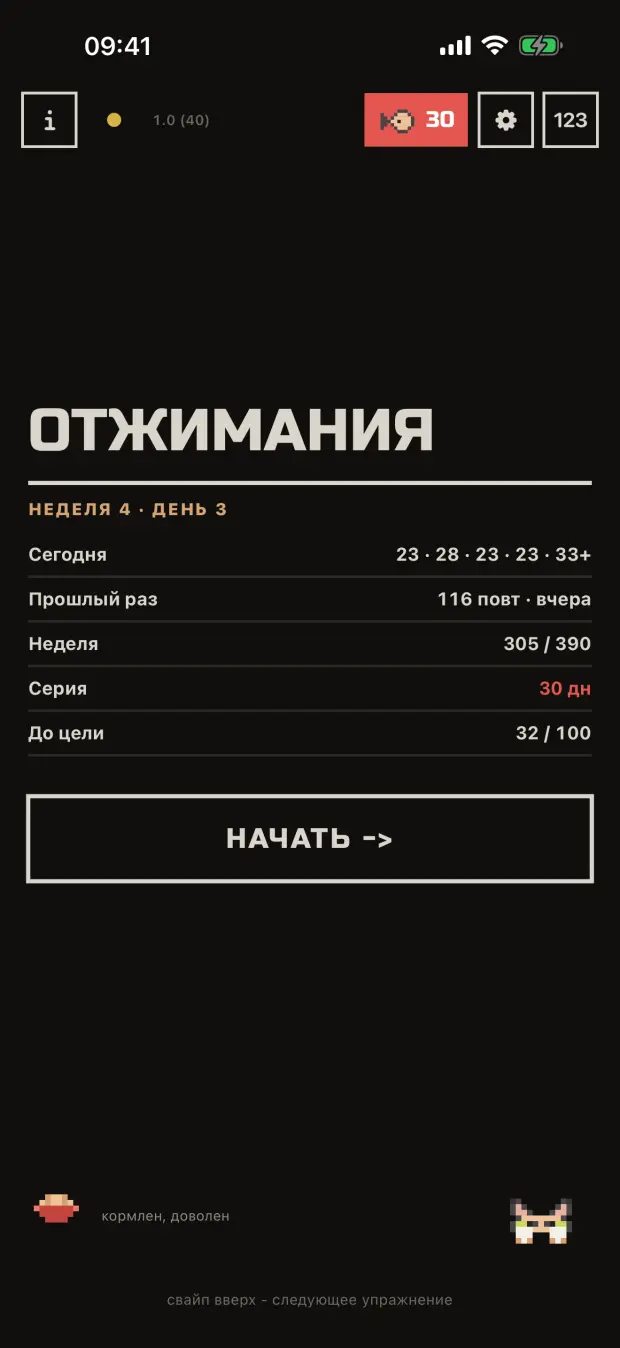
Home: what to do today, streak, cat -
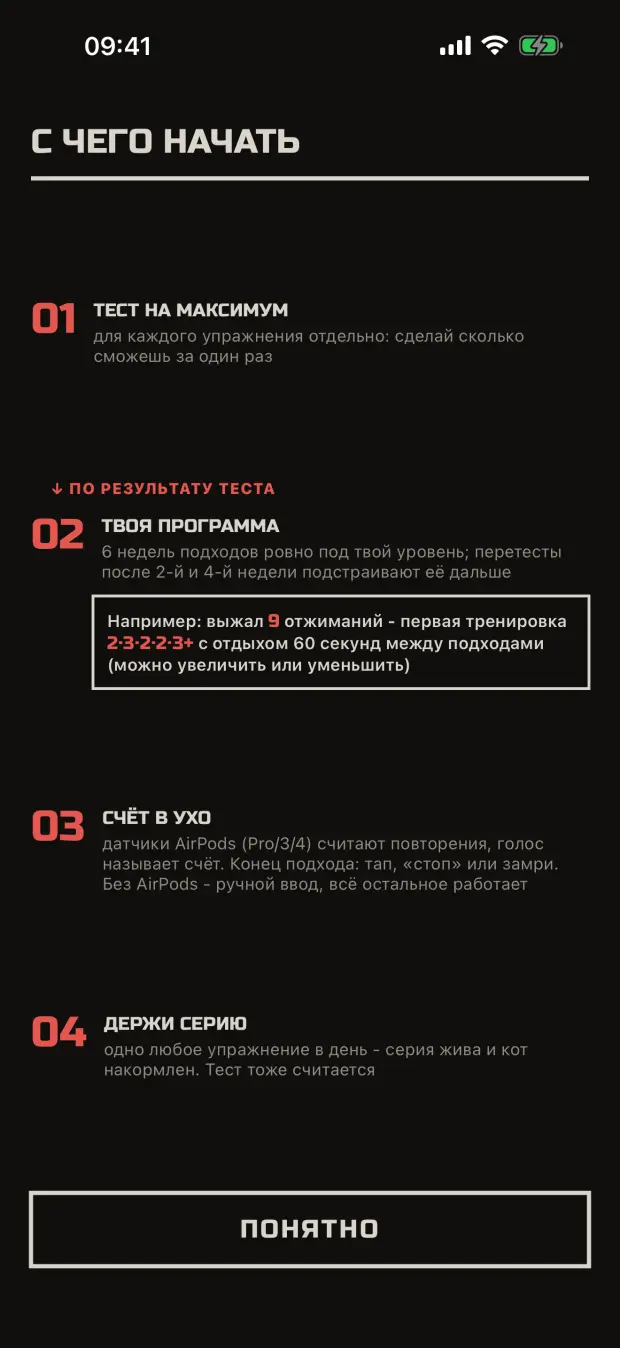
Where to start: the first screen after install -
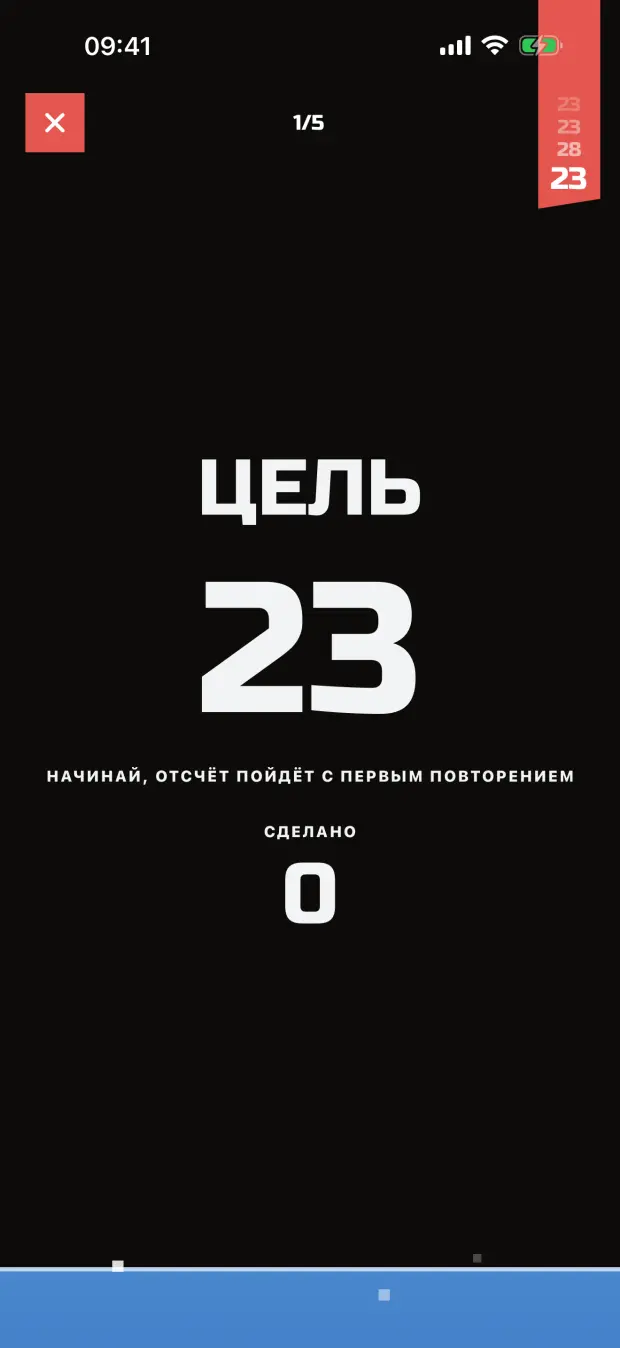
Set: the target number before you start -
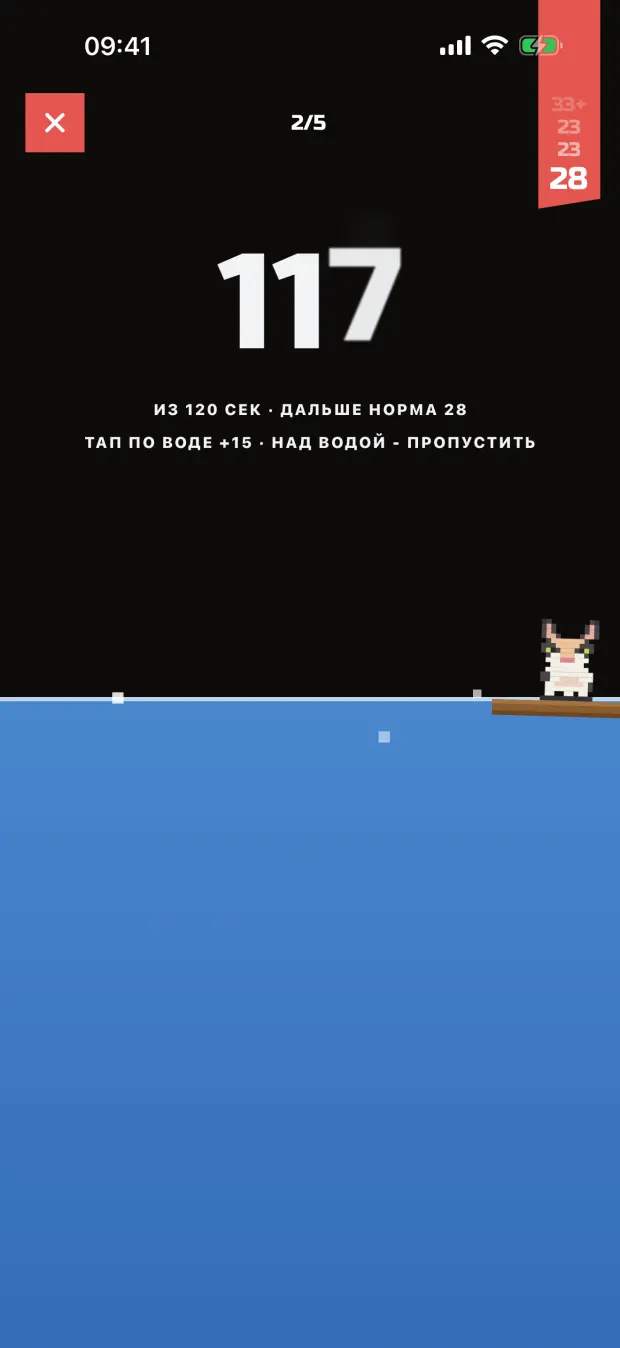
Rest: the water drops -
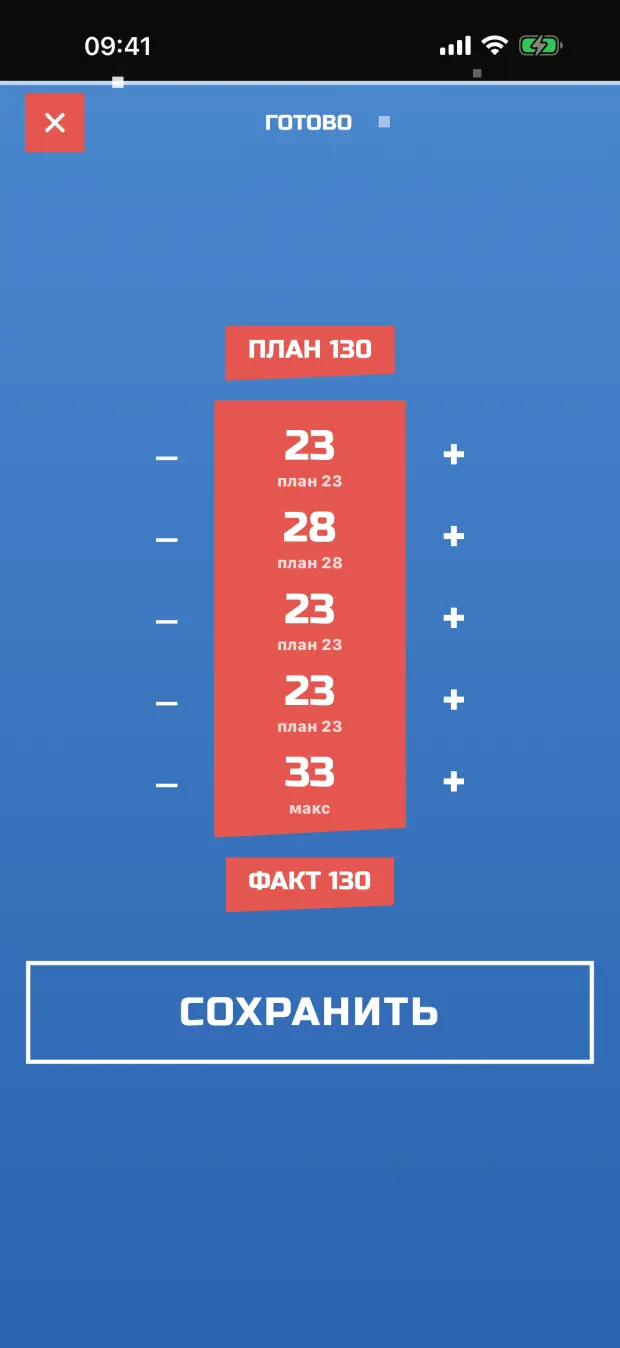
Workout summary: sets and the day's total -
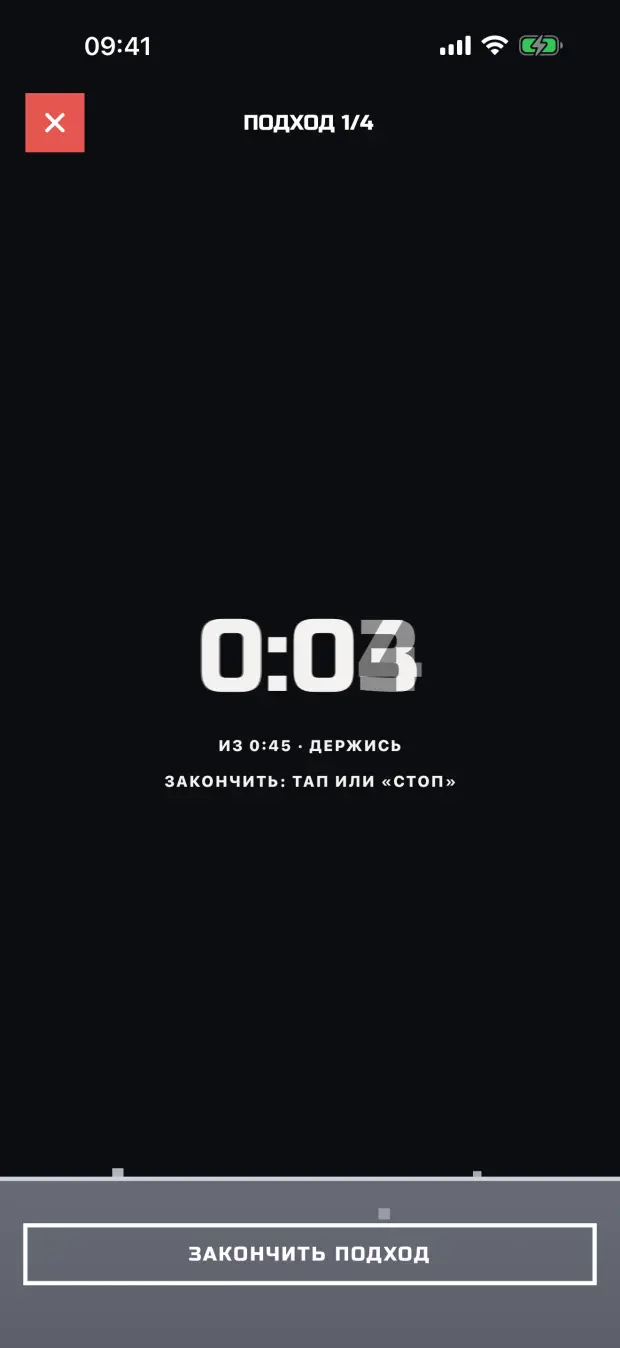
Plank: time held instead of reps
after the workout
Stats
How many workouts, reps, minutes under load, how long the streak is. Per exercise, the volume and how far the goal still is. Then reps by day, test lines and a calendar in the exercise colour.
Stats screens
-
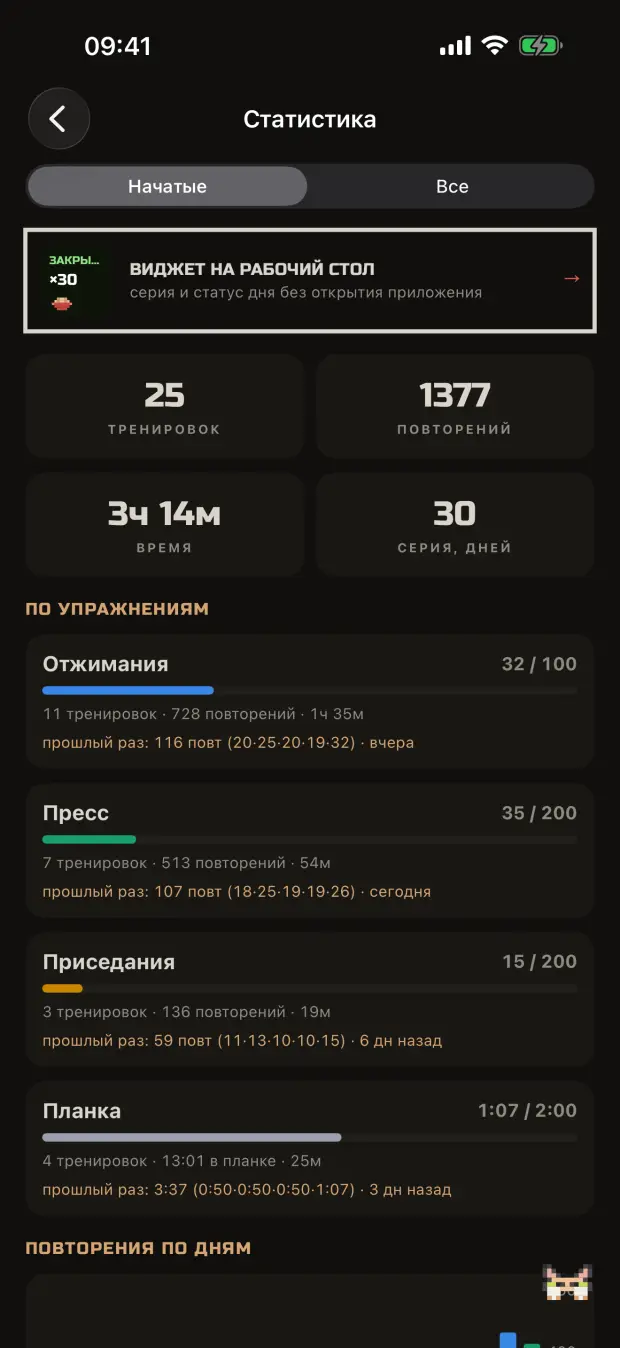
Stats: numbers and exercises -
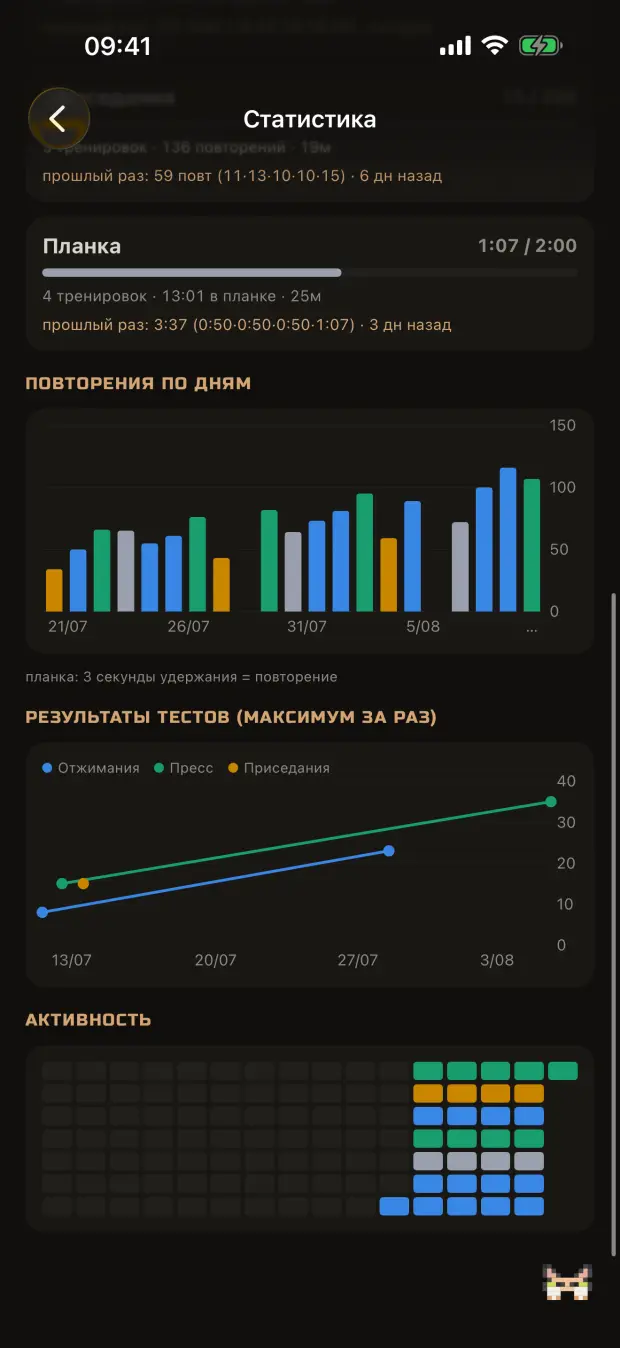
Calendar: days with a workout -
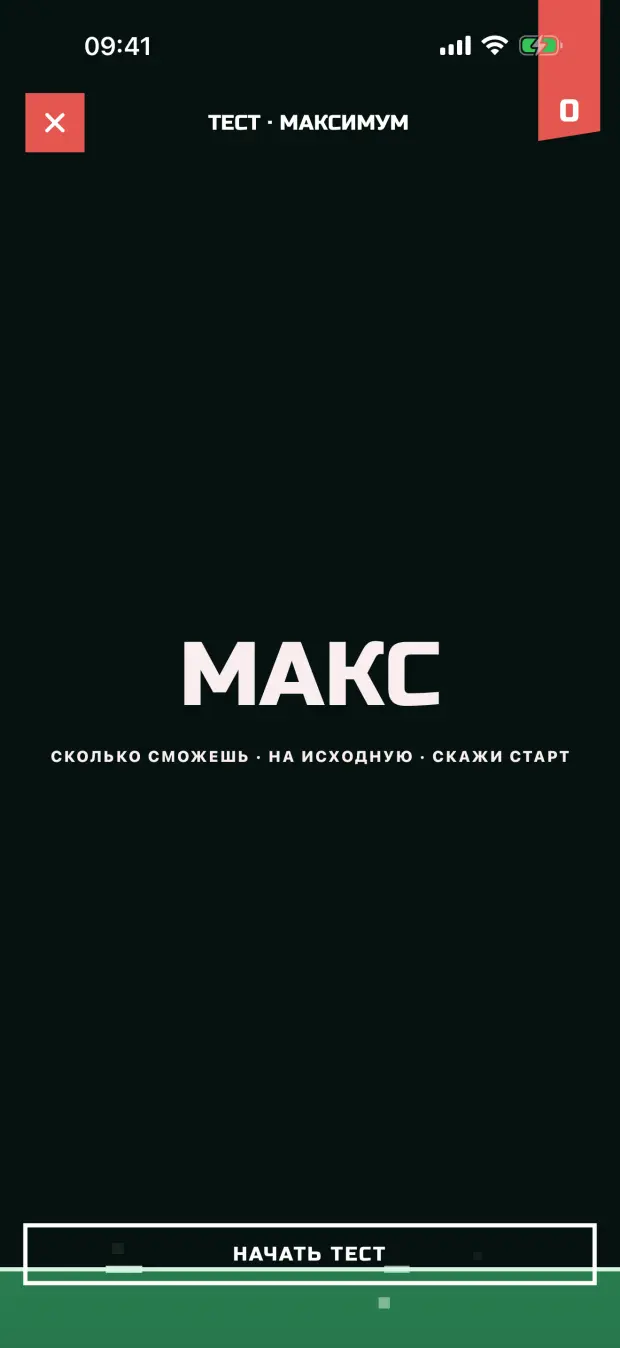
Test: how many in one go
All the data sits on the phone in one json. No account, no server, no ads. The backup is that same json.
About earbuds
Which earbuds count
The counting hangs on the motion sensor, the same one that turns spatial audio with your head. Sensor there, it counts by itself. No sensor, everything else stays: the program, rest timers, stats, entry by hand.
| Model | Auto-count | Everything else |
|---|---|---|
| AirPods Pro 1, 2, 3 | ✓ | ✓ |
| AirPods 3, 4 | ✓ | ✓ |
| AirPods Max | ✓ | ✓ |
| Beats Fit Pro, Studio Pro, Solo 4, Powerbeats Pro 2 | ✓ | ✓ |
| AirPods 1, 2 | × | ✓ |
| Other headphones | × | ✓ |
✓Counts by itself ×Manual only
AirPods 1 and 2, other brands, speakers: no sensor in there, so the count is on you. The rest works as usual.
The detector is tuned on AirPods Pro against real workouts. Other models carry the same sensor, but they have not been run live yet. If yours miscounts, send the recording and I will fix it.
if it does not count
Send me the recording
The detector is tuned on real workouts, but there are many people and many earbuds. If the count lies or stays silent, send the recording of that workout and I will look at the signal and tune the thresholds for you.
- Open the counterThe 123 icon in the top bar.
- Find the CSV listAt the bottom, one latest recording per exercise. Tap CSV with the arrow.
- Email me the fileOne line: which exercise and how many it really was.